StoryLab
Stories That
Write Back
StoryLab is an iPhone app for romance readers who want a say in the story. Pick a love story, read the opening chapter, then write one line about what should happen next. The following chapter is written around your words, and your choices carry forward from chapter to chapter.
- Write one line, get a whole chapter
- Your choices carry from chapter to chapter
- Love stories for every mood


How it works for you
From the first page to your chapter
Pick a love story
Browse romances by mood: enemies to lovers, second chances, royal courts, small town summers and more.
Read the opening
The first chapter sets the scene and introduces the character you are about to fall for.
Write one line
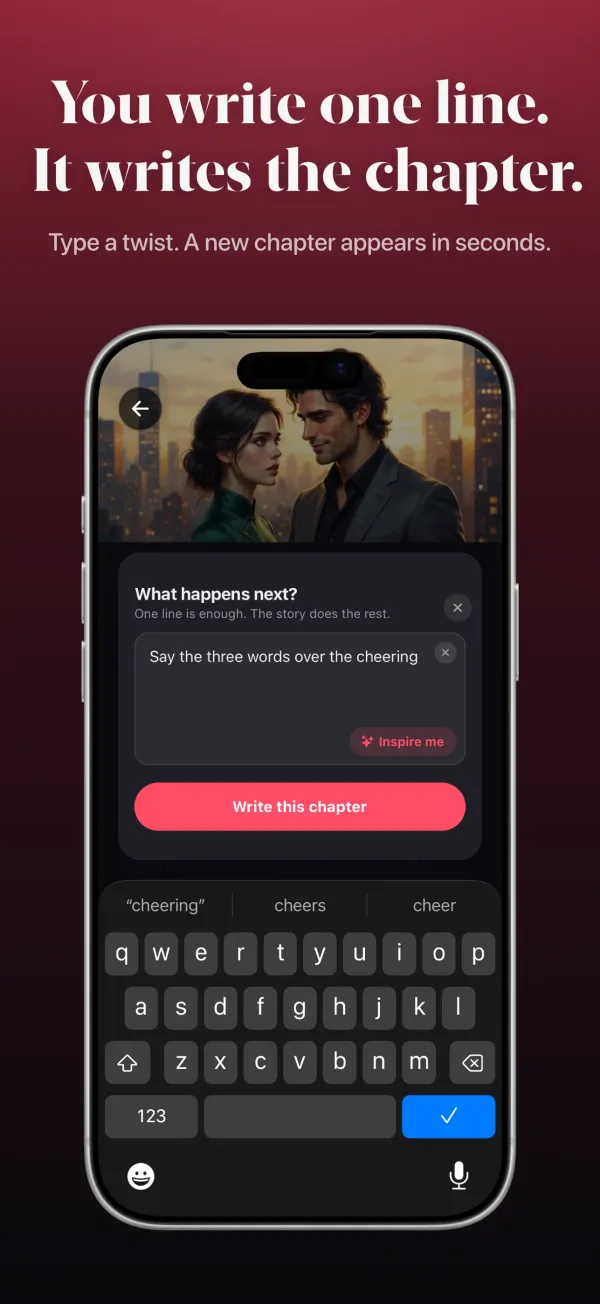
When the chapter ends, type what should happen next. One line is enough. Stuck? Tap Inspire me for an idea made for that story.
Read your chapter
A new chapter appears, written around your line. Keep going, or come back later and pick up right where you left off.
Your line
You write one line. It writes the chapter.
Say the three words. Miss the last train. Kiss before the footsteps reach the top. Whatever you type, the next chapter is built around it, so the story goes where you want it to.
The reading
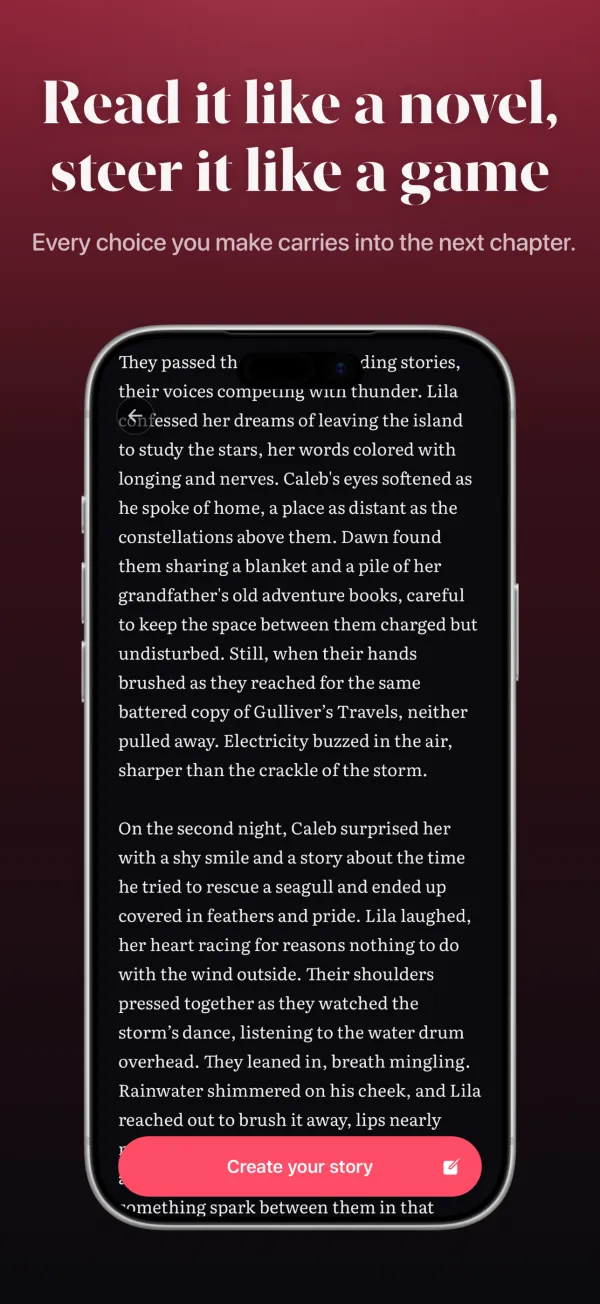
Read it like a novel, steer it like a game
Chapters are set in a calm, book-like page made for losing an evening in. Every choice you make carries into the next chapter, so no two readers live the same story.
The library
Love stories for every mood
Enemies to lovers, second chances, arranged marriages that turn real, royal courts, mysterious billionaires, werewolf moons and mafia hearts. Filter by mood and start reading.

Between chapters
Never stuck, never lost
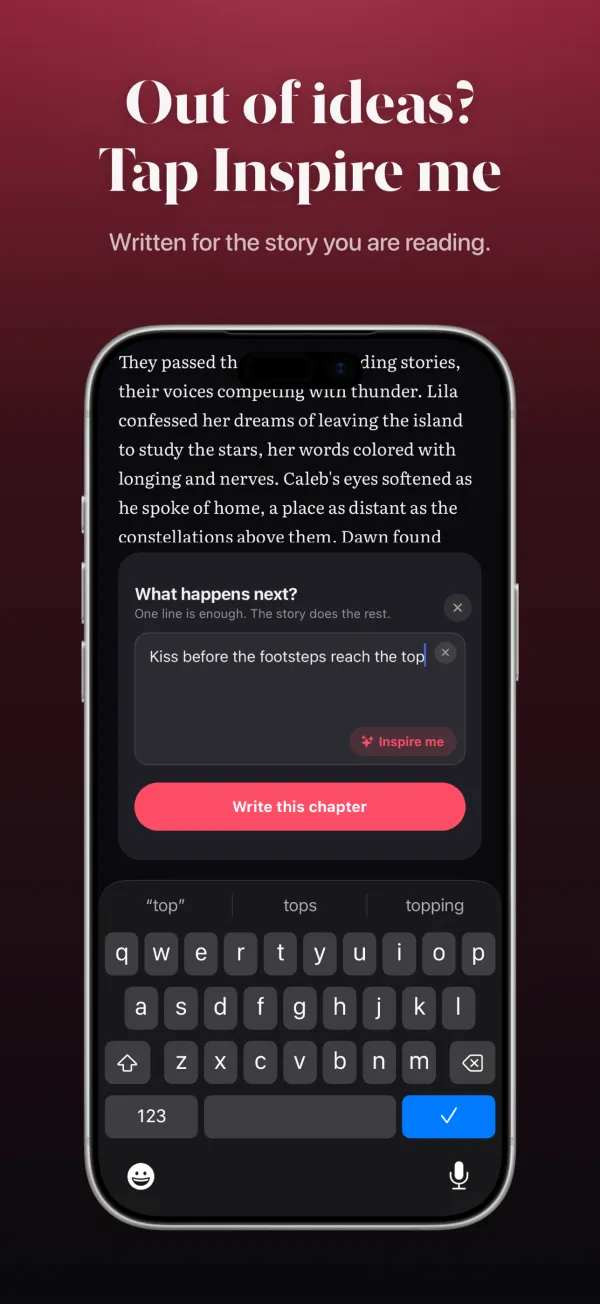
Out of ideas? Tap Inspire me
Each story has its own suggestions for what could happen next. Tap once for an idea, change a word or two, and send it.
Your next chapter is waiting
Every story you start stays on your shelf. Open the app and carry on right where you left off.
On the App Store
Have a look around
- No account, no email, no password. StoryLab works the moment you open it.
- No advertising and no tracking across other apps or sites.
- The lines you write are used to write your next chapter, and stay with your stories.
- Remove everything you have written with Delete all my stories in the app's settings.
Questions
Before you start reading
How does StoryLab work?
Pick a story and read its opening chapter. When the chapter ends, write one line about what should happen next, and a new chapter is written around your line. Keep going for as long as you like.
Do I need to be good at writing?
Not at all. One plain line is enough, such as "she finally tells him the truth". If nothing comes to mind, tap Inspire me for an idea made for the story you are reading.
What kinds of romance stories are there?
Slow burns, enemies to lovers, second chances, arranged marriages, royal courts, small town summers, billionaires, werewolf and mafia romances, and more, sorted by mood so you can find the one you are in the mood for.
Does every reader get the same story?
No. Each chapter is written around the line you typed, and your choices carry forward, so your version of a story is yours alone.
Is StoryLab free?
You can download it and browse the stories for free. Writing new chapters uses credits, which come with a weekly or yearly plan, and one-time packs top them up whenever you need a few more chapters.
What happens to what I write?
The lines you write are used to write your next chapter and are kept with your stories so you can come back to them. There is no account and no advertising, and Delete all my stories in Settings removes them.